National Non-Profit ; Customer Experience; Digital Channel Personalization; Membership Retention
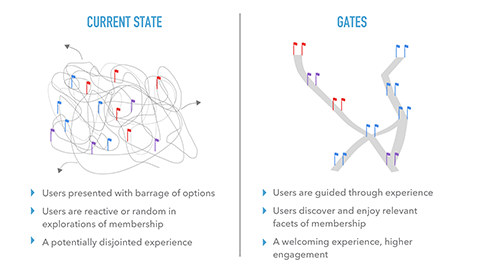
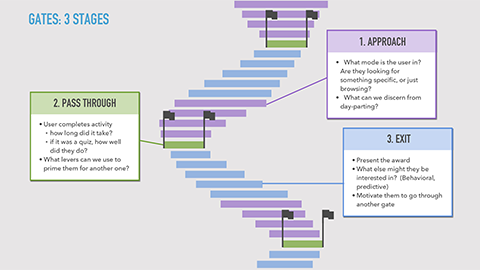
Reviewed and assessed existing customer experience for first-year members in the 50-59 year-old cohort. Main goal was increasing the 46% retention rate for users in the 50-59 year-old segment. All other segments had a 72% retention rate.
Engagement
Results
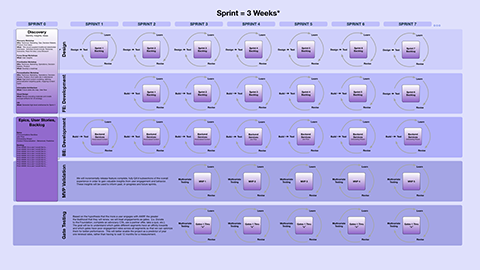
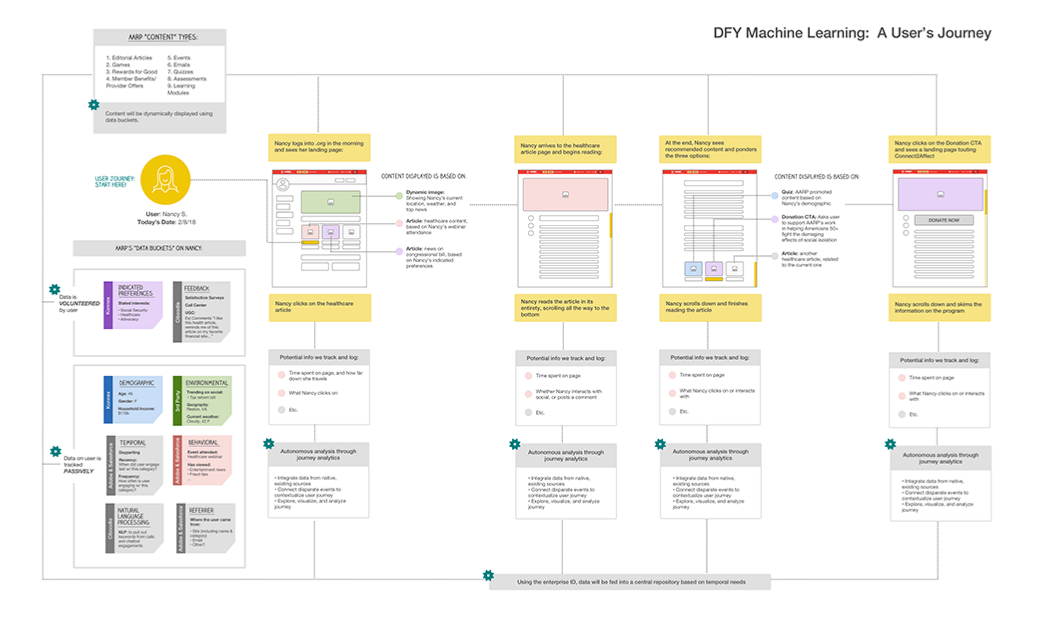
Organization opted for optimization versus transformation. Various user experience components were cherry-picked for implementation, however transformational elements such as analytics platforms, content management systems and AI/machine learning platforms were left out of the optimization plan.

Mobile & Tablet Apps (Android, iOS); State Health Exchange; State Government
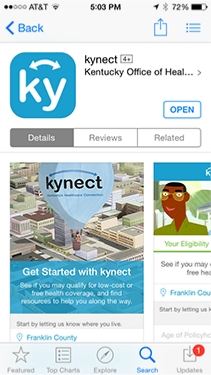
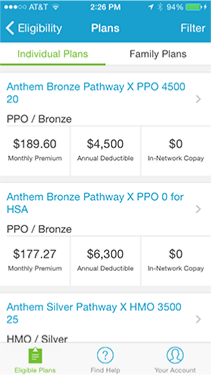
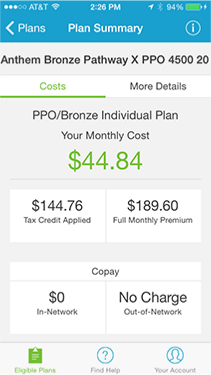
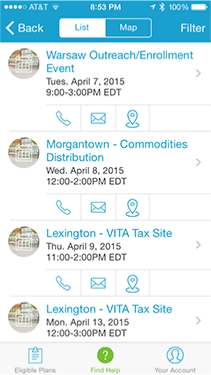
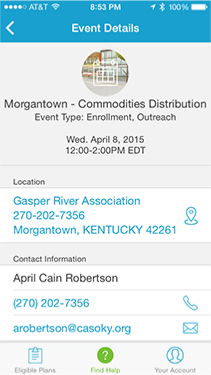
David led a state government to the definition and implementation of mobile and tablet apps which enabled constituents to determine eligibility, apply, and monitor the status of their applications for enrollment in the Commonwealth’s Affordable Care Act, healthcare exchange. The tablet apps also enabled volunteers to enroll constituents that were not capable of enrolling on their own.
The complexity of the project was compounded by the need for the apps to interact with state government, federal government and healthcare providers’ backend systems. David’s teams were widely distributed and covered the full gamut of competencies, including UI/UX, Front-end and backend developers, database developers and administrators, as well as multiple other IT functionalities.
David oversaw the development and release of a minimally viable product (MVP) and a major release which increased constituent application rates by over twenty-percent.

Mobile, Tablet & Desktop Apps (Android, iOS);
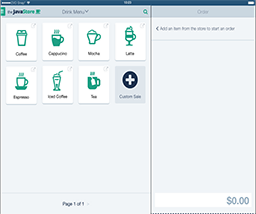
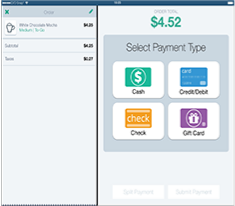
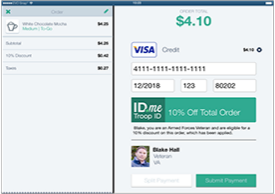
David led the ID.me design team in the development of a proof-of-concept prototype. David provided wireframes which were skinned by the visual design team, which he used to create a prototype using Axure.

Mobile & Tablet Apps (Android, iOS, Windows Phone, Windows Tablet); Technology Blog; Media;
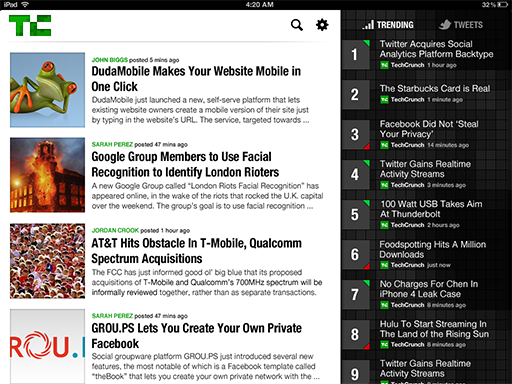
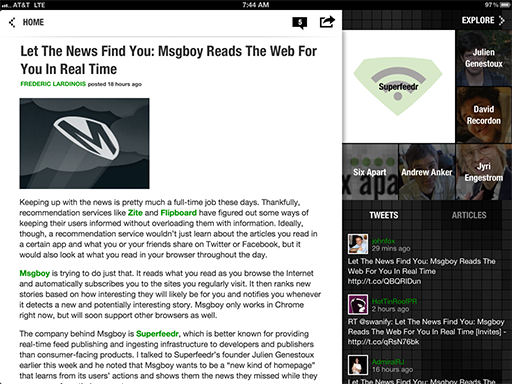
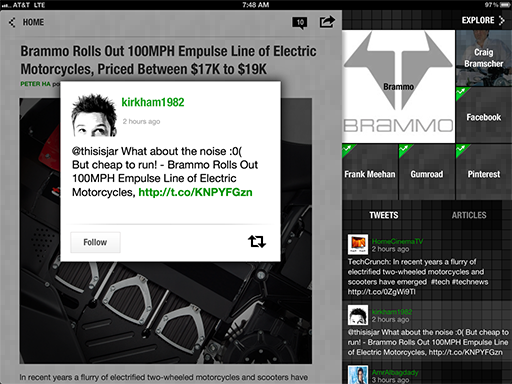
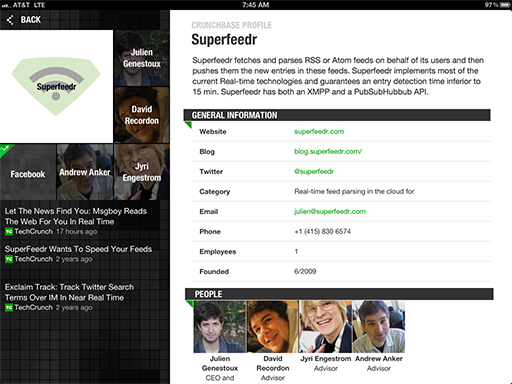
David completely revamped TechCrunch mobile and tablet apps to better reflect the brand, drive a spike in video views, and increase length of user engagement with the apps’ homegrown, wiki-like technology database. Based on discovery research showing unusually low time-spent in-app (:09 seconds), in which viewers quickly scanned headlines between meetings, David led his team in developing a game-changing two-pronged strategy for enhancing user experience: improving the experience for users' primary, existing behavior and transforming functionality and user behavior through deep integration with CrunchBase, the addition of relevant 3rd-party content, and creating a more front-and-center video experience.
Over the course of 8 months, David and his globally-based team of expert designers and developers successfully implemented a complete strategic overhaul of the TechCrunch apps, including:
David’s strategy led to immediate results: increased in-app time 120%. Video views increased by 20%, and engagement with the tech wiki increased by 15%. David and team were also honored with a Webby Award for the apps.
Tablet Apps (Android, iOS); Technology Blog; Media;
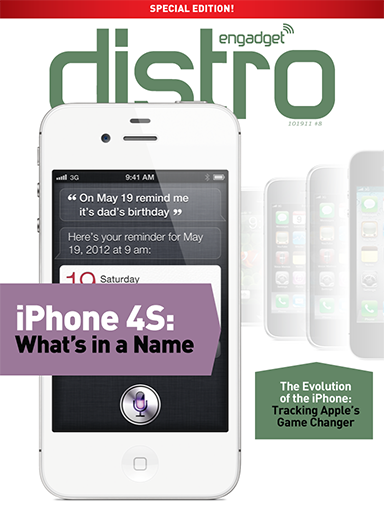
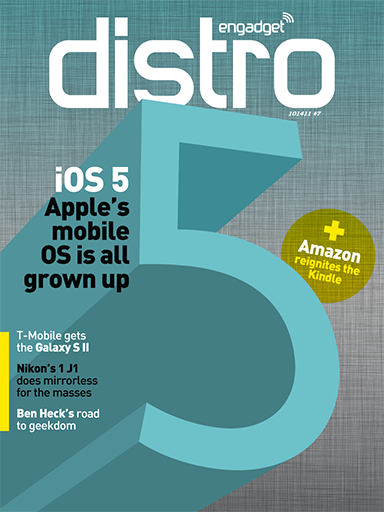
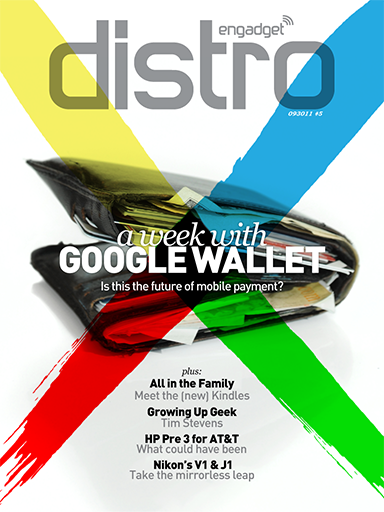
David created a long-form content publishing platform for a well-known technology blog that needed an intuitive way to present longer format content to its readership. The publisher’s staff were experts at writing and publishing short-format content for their blog, but needed a separate, customized tablet app and specialized publishing process to support its new aspirations.
David led a team of UI/UX designers, front-end and backend engineers, and magazine publishing professionals to debut this new experience. The publishing side of the equation required David and his team to learn the existing process for blog publishing, work flows and pain points, so the new offering wouldn’t impinge on existing formats and revenue. The team came up with a process utilizing Adobe In-Design, semi-automized, in order to produce content with low-touch yet meticulous layouts.
The tablet apps were released to wide accolade and brought a new, significant revenue stream to the publisher.